Diferencia entre revisiones de «Disk addition Guide»
Ir a la navegación
Ir a la búsqueda
Sin resumen de edición |
Sin resumen de edición |
||
| (No se muestran 7 ediciones intermedias de otro usuario) | |||
| Línea 1: | Línea 1: | ||
{{en español |Disco_Adicional}} | {{en español |Disco_Adicional}} | ||
Access your cloud product from the Control Panel through the upper bar on | Gigas offers its clients the pssibility of adding disk space to the Cloud Datacenter product. You can follow these steps: | ||
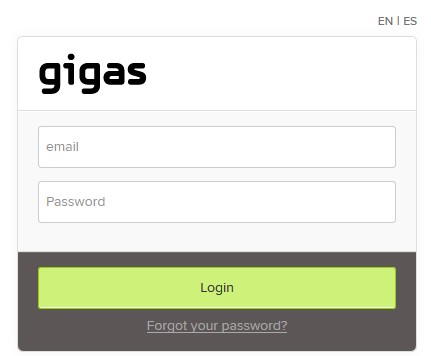
[[Archivo: | *Access your cloud product from the Control Panel through the upper bar on Gigas site login. <br>[[Archivo:Disk_addition_guide.jpg]] | ||
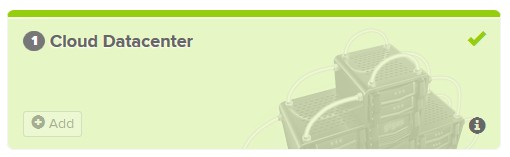
*Click the product you wish to add disc to.<br>[[Archivo:Disk_addition_guide1.jpg]] | |||
Click the product you wish to add disc to. | *Select the Cloud Server<br>[[File:Disk_addition_guide2.jpg]] | ||
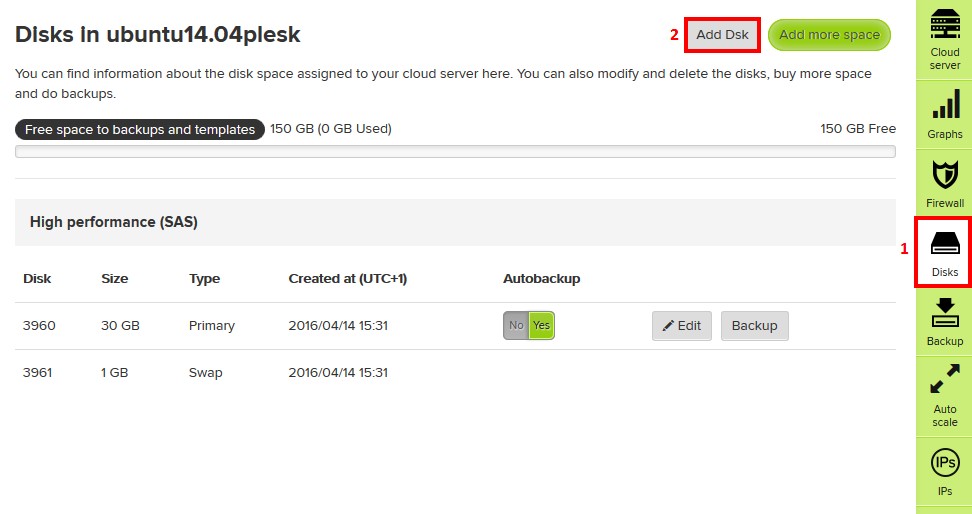
[[Archivo: | *#Click on "Disks" in the Cloud Server administration page. | ||
*#Click "Add disk"<br>[[File:Disk_addition_guide3.jpg]] | |||
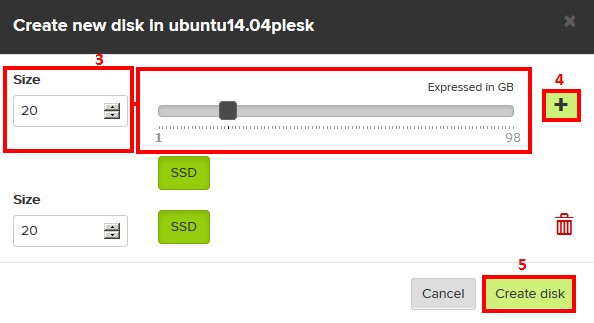
*#In the new dialog, choose wanted space: slide the selector or, on the left, input the desired amount. | |||
*#Press "[+]" button. | |||
*#Click "Add disk"<br>[[Archivo:Disk_addition_guide4.jpg]] | |||
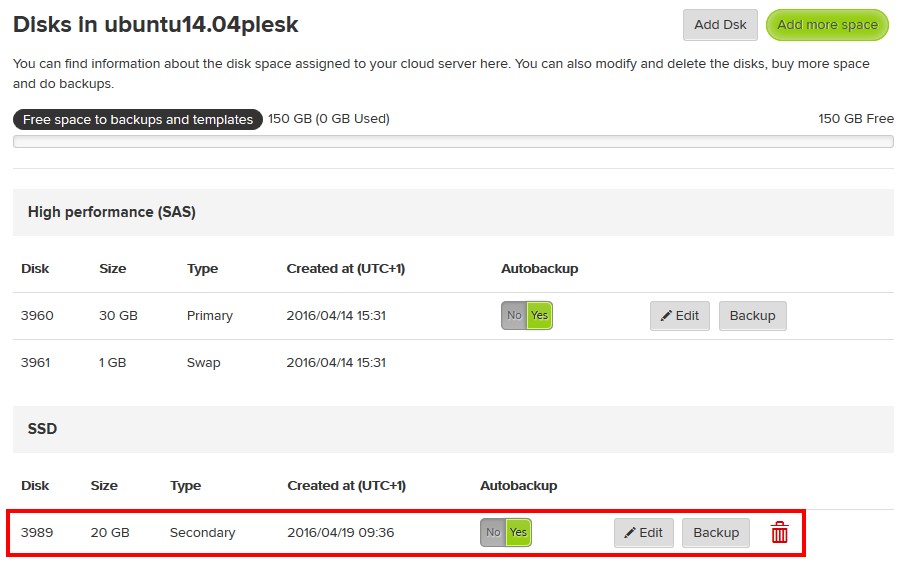
*While in the disk section you should be able to view the new disk. Refresh the page, your disk should be ready for use.<br>[[Archivo:Disk_addition_guide5.jpg]] | |||
{{support}} | |||
[[Categoría:Disk]] | |||
[[Categoría:Billing]] | |||
[[ | |||
[[ | |||
Revisión actual - 16:53 23 mar 2017
¿Quieres leer esta página en español ?
Gigas offers its clients the pssibility of adding disk space to the Cloud Datacenter product. You can follow these steps:
- Access your cloud product from the Control Panel through the upper bar on Gigas site login.
- Click the product you wish to add disc to.
- Select the Cloud Server

- Click on "Disks" in the Cloud Server administration page.
- Click "Add disk"
- In the new dialog, choose wanted space: slide the selector or, on the left, input the desired amount.
- Press "[+]" button.
- Click "Add disk"
- While in the disk section you should be able to view the new disk. Refresh the page, your disk should be ready for use.